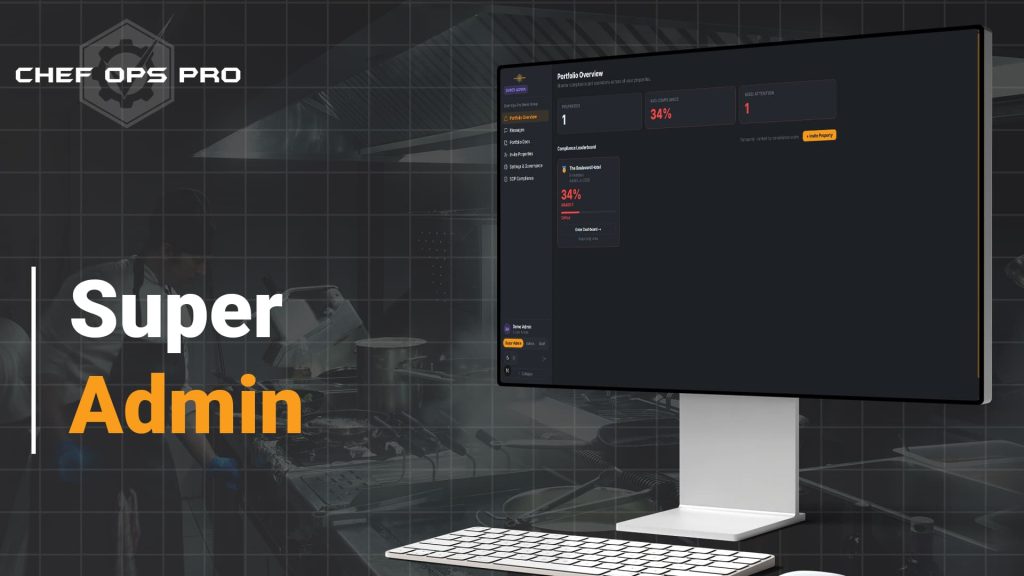
Super Admin
🍴 One Standard. Every Property. Total Visibility.Running more than one food business means holding every site to the same standard — without being physically present at each one. Chef-Ops-Pro's Super Admin role gives multi-property owners a single login with read-level visibility across every property they operate, the ability to enforce SOPs from the top down, and the confidence that every site is running to the same documented standard — whether you have two locations or twenty.

The Problem
Owning multiple food businesses creates a compliance problem that single-site software cannot solve. Each property has its own team, its own admin, and its own daily operation — and without a structured way to oversee all of them simultaneously, the owner is dependent on individual site managers to maintain standards consistently. A site that isn’t logging temperatures correctly, a team that hasn’t completed allergen awareness training, or a HACCP checklist that hasn’t been completed in three days — none of these problems are visible to the owner until something goes wrong.
Chef-Ops-Pro’s Super Admin role solves that problem directly. The property owner sits above every individual site admin in the permission hierarchy, with read-level visibility across every property’s compliance activity in real time — and the ability to push training records and SOPs down to every site simultaneously, ensuring that standards set at the top are implemented consistently at every location without relying on each site admin to configure them independently.
Who This is For
Module compliance & Record Keeping

The oversight layer that makes multi-site compliance manageable
UK food safety law holds the food business operator responsible for compliance standards across every site they operate — not just the sites they personally manage day to day. When an EHO inspector visits any property in a group, the standards they find there reflect on the operator, regardless of which site manager was on duty. Chef-Ops-Pro's Super Admin role gives the operator the tools to fulfil that responsibility — setting the compliance standard once at the portfolio level, pushing training and SOPs to every property simultaneously, and maintaining read-level visibility of how every site is performing against those standards at any time. It is the operational infrastructure that makes multi-site compliance manageable without requiring the owner to be in every kitchen at once.
What you can do with this module
View compliance activity across every property in read-only mode
— temperature logs, checklists, training records, and maintenance status, all visible from a single login without site-level admin access
See at a glance how each property is performing against its compliance requirements
— without needing individual site managers to report upward
Push training records and SOPs simultaneously to every property under your account
— ensuring the same standards are implemented consistently across every location
Set SOP standards at the portfolio level that flow down to every property’s configuration
— so compliance requirements are enforced from the top rather than configured independently by each site admin
Maintain a clear permission hierarchy
— Super Admin sits above site-level admins, who manage their own property operations within the standards the owner has set
Access every property’s compliance picture from one login
no switching between accounts, no separate credentials per site
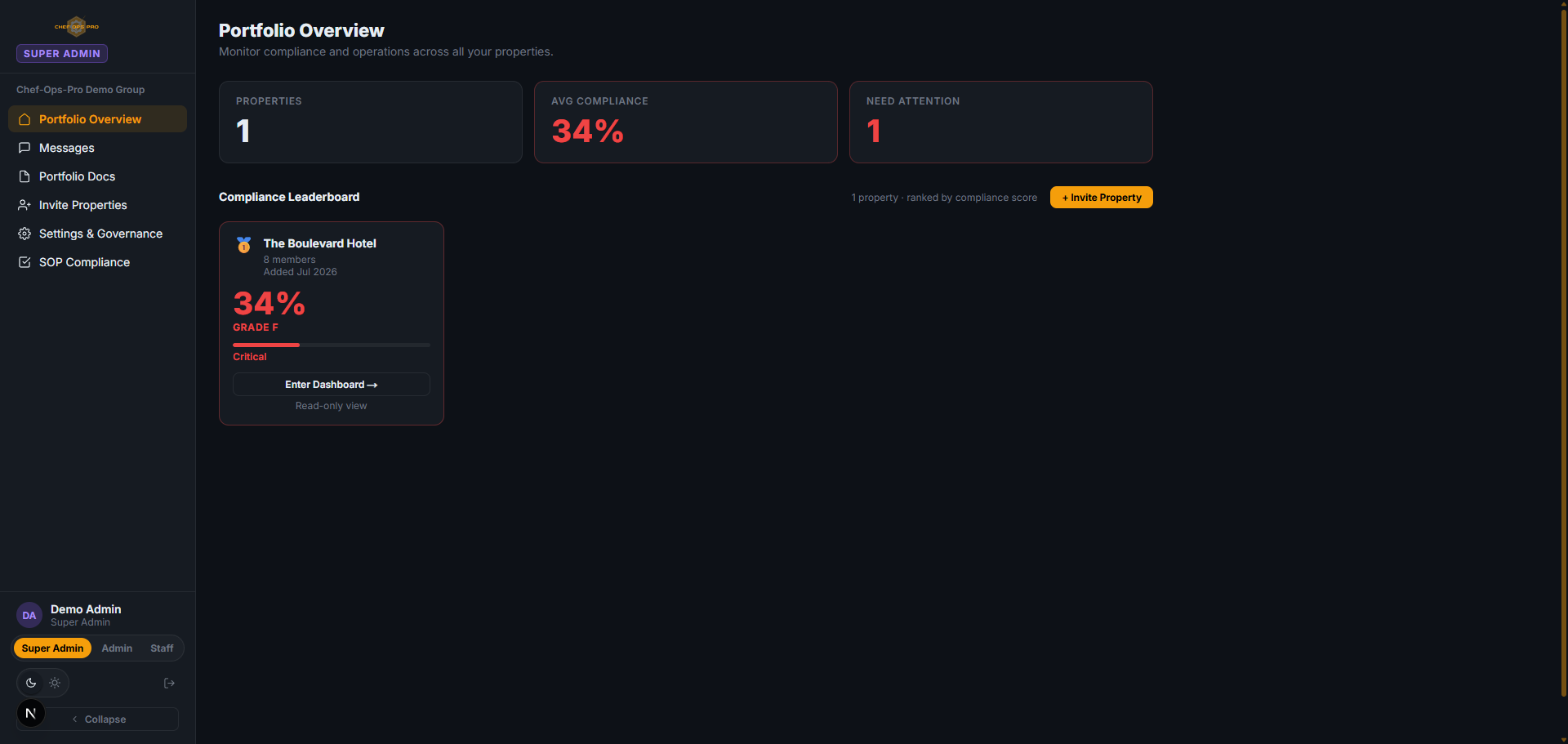
The Super Admin is the top level of the permission hierarchy — typically the multi-property owner. They have read-level visibility across every property under their account and the ability to push training and SOPs to all properties simultaneously. Individual site admins manage their own property operations within those standards.
No. Super Admin access is read-only at the property level. The Super Admin can view compliance activity across every site but cannot edit individual records, logs, or settings at a site level — that remains the responsibility of each property’s own admin.
The Super Admin can push training requirements and standard operating procedures to every property under their account simultaneously from a single point of control. This ensures every site implements the same standards without each site admin needing to configure them independently.
The Super Admin has read-level visibility of temperature logs, checklist completion, training records, maintenance activity, and compliance status across every property — giving a real-time portfolio-wide picture of how each site is performing.
Training can be pushed portfolio-wide to all properties simultaneously, ensuring consistent compliance requirements across every location under the Super Admin account.
Yes. The Super Admin role is available from the two-property minimum on the Multi Property plan — making cross-portfolio visibility and SOP enforcement accessible to operators at any scale, not just large groups.
You Need Answers !
To make an educated decision, you have Questions that need answers
We will try to do that but incase we dont please contact us