Opening & Closing Checklist Software for UK Kitchens
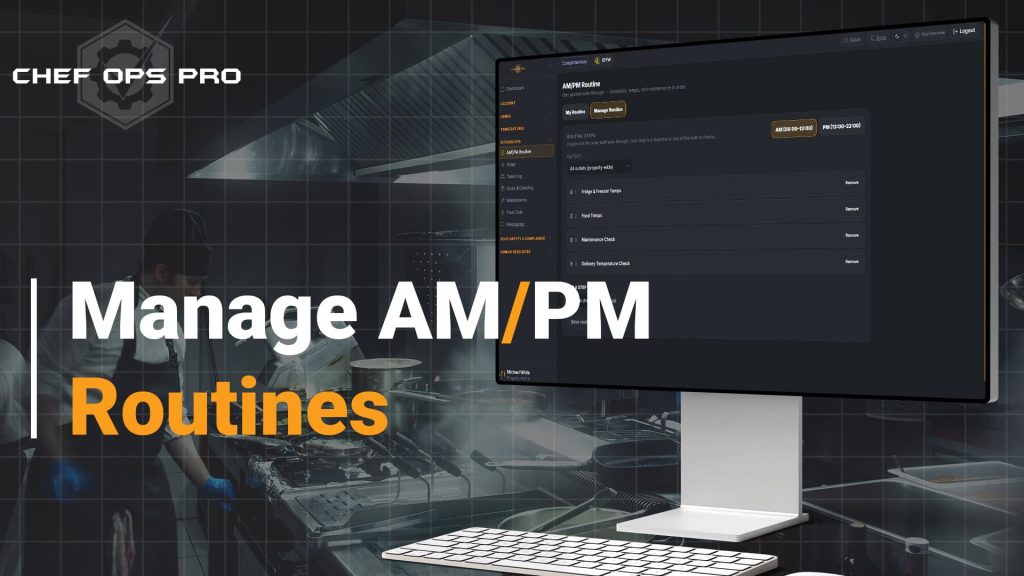
🍴 Opening And Closing, Done The Same Way Every TimeOpening and closing a kitchen means working through checklists, fridge checks, food temperatures, and a quick look at anything that needs fixing — and on a busy morning, it's easy for one of those to get done out of order, done twice, or quietly skipped. AM/PM Routines turns all of it into a single guided walkthrough: one flow, in the order the admin sets, covering checklists, fridge and freezer temperatures, food temperatures, maintenance checks and team log notes, completed once per shift period.

The Problem
Ask five experienced chefs what order they do opening checks in, and you’ll likely get five different answers — all of them fine, because they all know what they’re doing. Hand that same list to a new commis or an agency cover on their first shift, and “do the checklist, the fridges, the food temps, and check if anything’s broken” turns into a guess about what matters most, done in whatever order feels natural that morning.
AM/PM Routines removes the guesswork. One flow, one order, set once by whoever runs the kitchen — so opening and closing look the same whoever’s doing them, and whether everything got done is a fact, not an assumption.
Who This is For
Module compliance & Record Keeping

One Routine, Every Check Recorded
Because the routine walks through checklists, temperature checks, and maintenance in a fixed, admin-defined order, and saves each step straight into the same records you'd keep anyway, every check is timestamped and attributed in the normal way — the routine simply makes sure they all get done. That makes it straightforward to show an EHO, or a new area manager, exactly what was checked on any given morning or evening.
What you can do with this module
Combine all your opening and closing checks
checklists, fridge/freezer temperatures, food temperatures, maintenance checks and team log notes, in a single guided routine
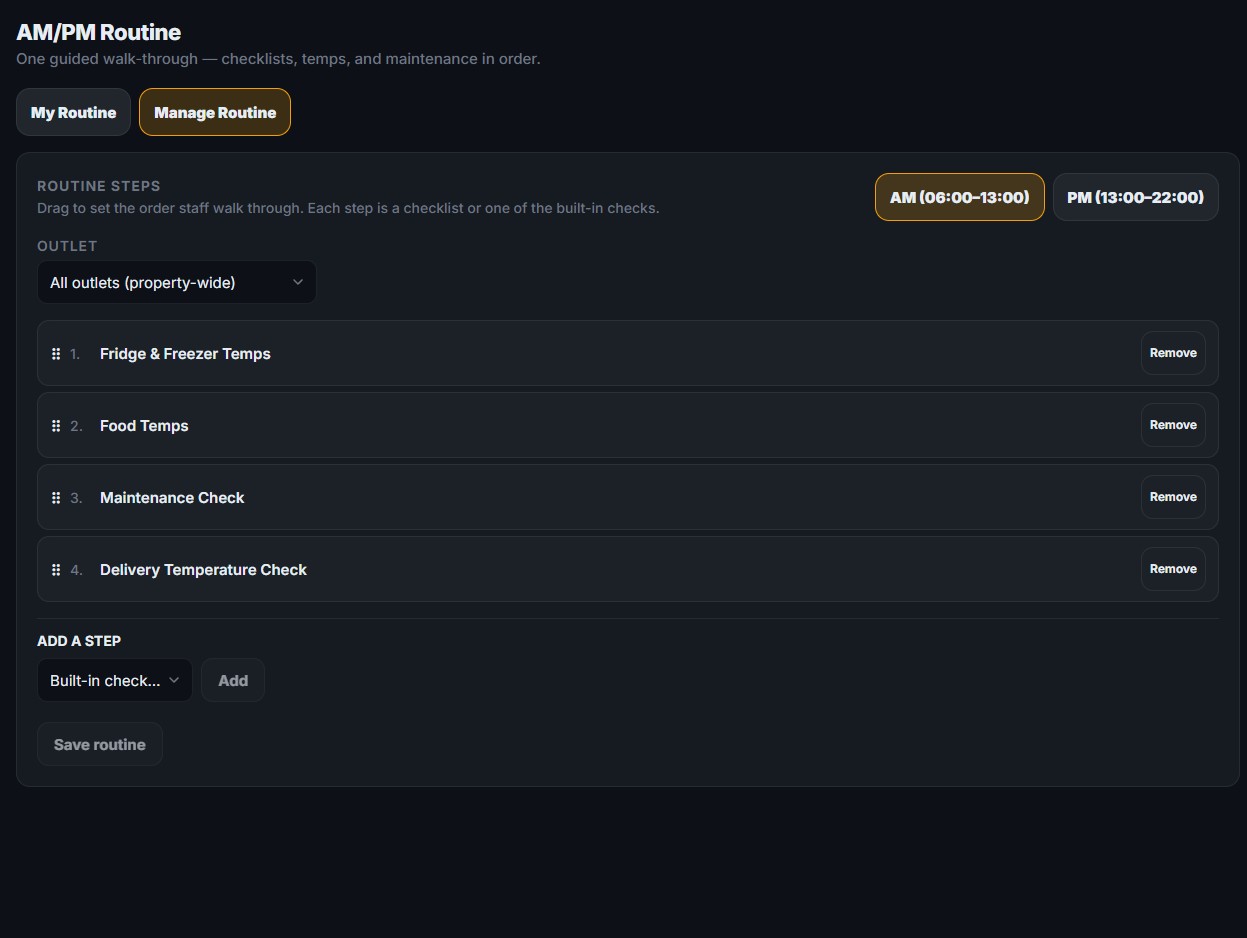
Set the order of the steps
separately for AM and PM, for the whole property or for each outlet
Run the routine once per shift period
AM or PM, so it’s clear whether opening or closing has actually been completed
Walk staff through one step at a time
moving on automatically as each step is done, so nothing is skipped or done out of sequence
Record everything in your normal logs
each step saves straight into your checklists and temperature records, timestamped and attributed as usual
Show progress until it’s finished
a half-finished routine shows how many steps are left, so gaps are visible immediately
No — it uses the same underlying checklists and temperature logs, just walks staff through them in one guided order instead of as separate screens.
Yes — an admin sets the order for the property, and it can be changed at any time.
The routine shows as incomplete until every step is done, so a half-finished opening or closing is visible rather than assumed complete.
Yes — AM and PM each have their own steps and their own routine, using the check windows set for the property.
Yes — that’s one of the main reasons it exists: a guided, in-order routine means staff don’t need to already know the full opening or closing process from memory.
You Need Answers !
To make an educated decision, you have Questions that need answers
We will try to do that but incase we dont please contact us