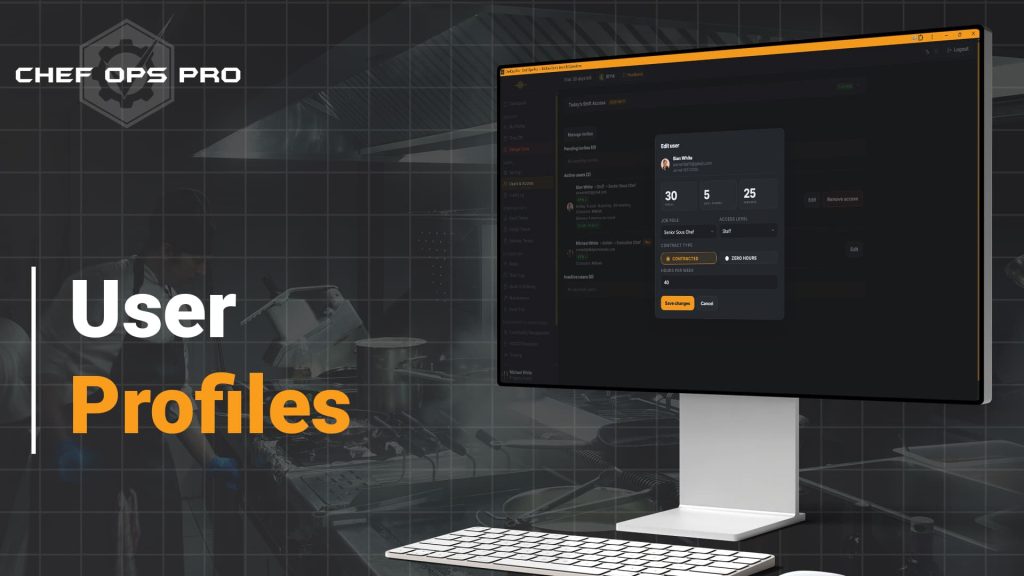
User Profiles
🍴 Your Identity in the Kitchen, in One PlaceThe Profile page is each team member's personal control centre inside Chef-Ops-Pro. From uploading a headshot that appears across the platform, to changing login credentials or enabling instant push notifications — everything a staff member needs to manage their account is accessible without contacting an admin.

The Problem
In most kitchen management platforms, staff accounts are created by an admin and largely forgotten. Team members have no ownership of their own profile, no ability to manage their own credentials without raising a support request, and no personal connection to the records and logs that bear their name. The result is a platform that feels like something that is done to staff rather than something that works for them — and that disconnect affects adoption, engagement, and ultimately the consistency of the compliance records the platform is supposed to generate.
When staff feel ownership of their identity within a platform, they engage with it differently. A named profile photo appearing next to a temperature log, a handover note, or a training completion is not a cosmetic detail — it is an accountability signal that changes how staff approach their records. Chef-Ops-Pro’s User Profiles module gives every team member a personal control centre within the platform — managing their own photo, credentials, notification preferences, and leave visibility without needing to contact an admin for every change. The result is a platform that staff genuinely use as their own, reducing administrative overhead for managers while building the personal accountability that makes compliance records more meaningful and more reliable.
Who This is For
Module compliance & Record Keeping

Named, identifiable records that strengthen your compliance audit trail
The compliance value of User Profiles extends beyond account convenience. Every action logged within Chef-Ops-Pro — every temperature check, every checklist completion, every handover note, every training sign-off — is attributed to a named user. When that named user has a profile photo attached to their account, the attribution becomes immediately identifiable throughout the platform, reinforcing the personal accountability that makes compliance records credible. During an EHO inspection, being able to show that records are attributed to specific, identifiable named individuals — rather than generic role labels or shared login accounts — is a meaningful evidence of due diligence. Push notification opt-in for temperature issues and maintenance events adds a further compliance layer, ensuring that the staff members responsible for acting on critical alerts are actively connected to the information they need to respond.
What you can do with this module
Upload and manage a profile photo
Staff can upload a JPEG, PNG, or WebP headshot up to 5 MB. The photo appears next to their activity throughout the app, making records and handovers more personal and identifiable.
View holiday allowance at a glance
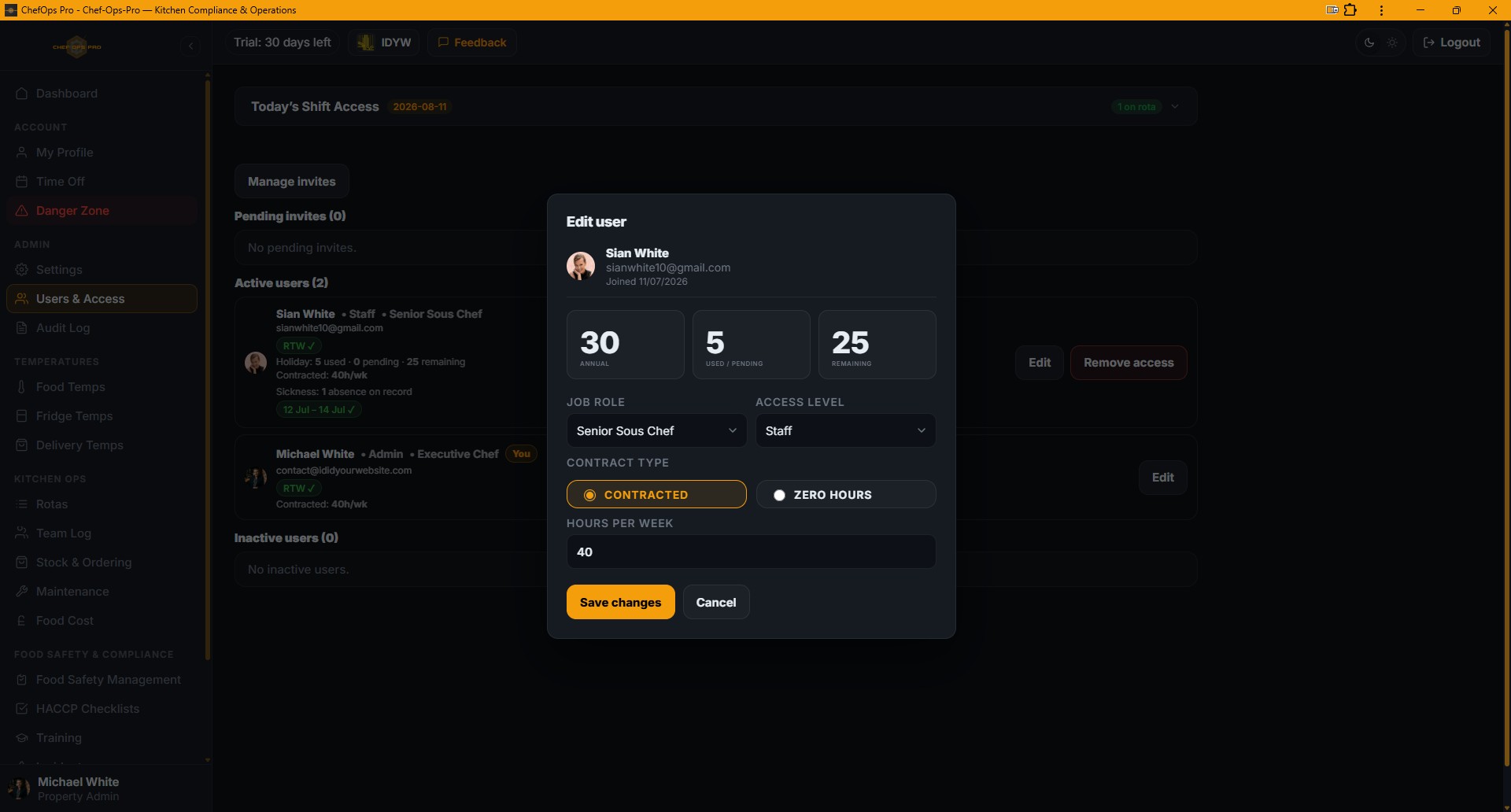
The profile shows annual entitlement, days used or pending, and days remaining for the current year, with a direct link to book time off.
Request days off directly from profile
Staff can submit day-off requests without navigating away, keeping their full request history visible on the same page.
Change password securely
Staff update their password by confirming the current one first, with server-side validation ensuring the change is authorised.
Update email address
Email changes require current password confirmation, preventing unauthorised account takeover.
Enable push notifications
Staff can opt in to instant browser push alerts for temperature issues, maintenance events, and operational updates relevant to their property.
Tabbed layout keeps everything organised
Holiday, Days Off, and Account settings live in clean separate tabs so the page never feels overwhelming.
Yes. Staff can change their password directly from their profile by confirming their current password first. Server-side validation ensures the change is authorised and secure, without requiring any admin involvement.
Email address changes require current password confirmation before the update is processed, preventing unauthorised account changes and protecting the integrity of each team member’s login credentials.
The uploaded photo appears next to the staff member’s activity throughout the platform — on temperature logs, checklist completions, handover notes, training records, and other attributed actions — making records immediately identifiable by person rather than name alone.
Staff can enable instant browser push notifications for temperature alerts, maintenance events, and operational updates relevant to their property. Notifications are property-specific, ensuring staff only receive alerts that are directly relevant to their site and role.
Yes. The profile displays annual holiday entitlement, days used or pending, and days remaining for the current year, alongside a full request history — and includes a direct link to submit a new time-off request without navigating away from the profile page.
Yes. The User Profile page is fully mobile-responsive, allowing staff to manage their account, view their leave balance, and update their notification preferences from any smartphone or tablet without needing access to a desktop.
You Need Answers !
To make an educated decision, you have Questions that need answers
We will try to do that but incase we dont please contact us